




Complex support
Routes a request that requires authority or special review.
Automate your sales in seconds with Avosist!
Discover the limitless world of your AI assistant.
24/7 automated customer replies in natural language.
AI-powered automatic replies and sales via DMs.
Smart customer communication on Facebook Messenger.
Sales, support and appointments directly on your website.
Natural voice responses to phone calls via AI.
Full compatibility with WhatsApp, Instagram, Messenger and marketplaces.
Guides and verified resources
Leave your info and we will call you
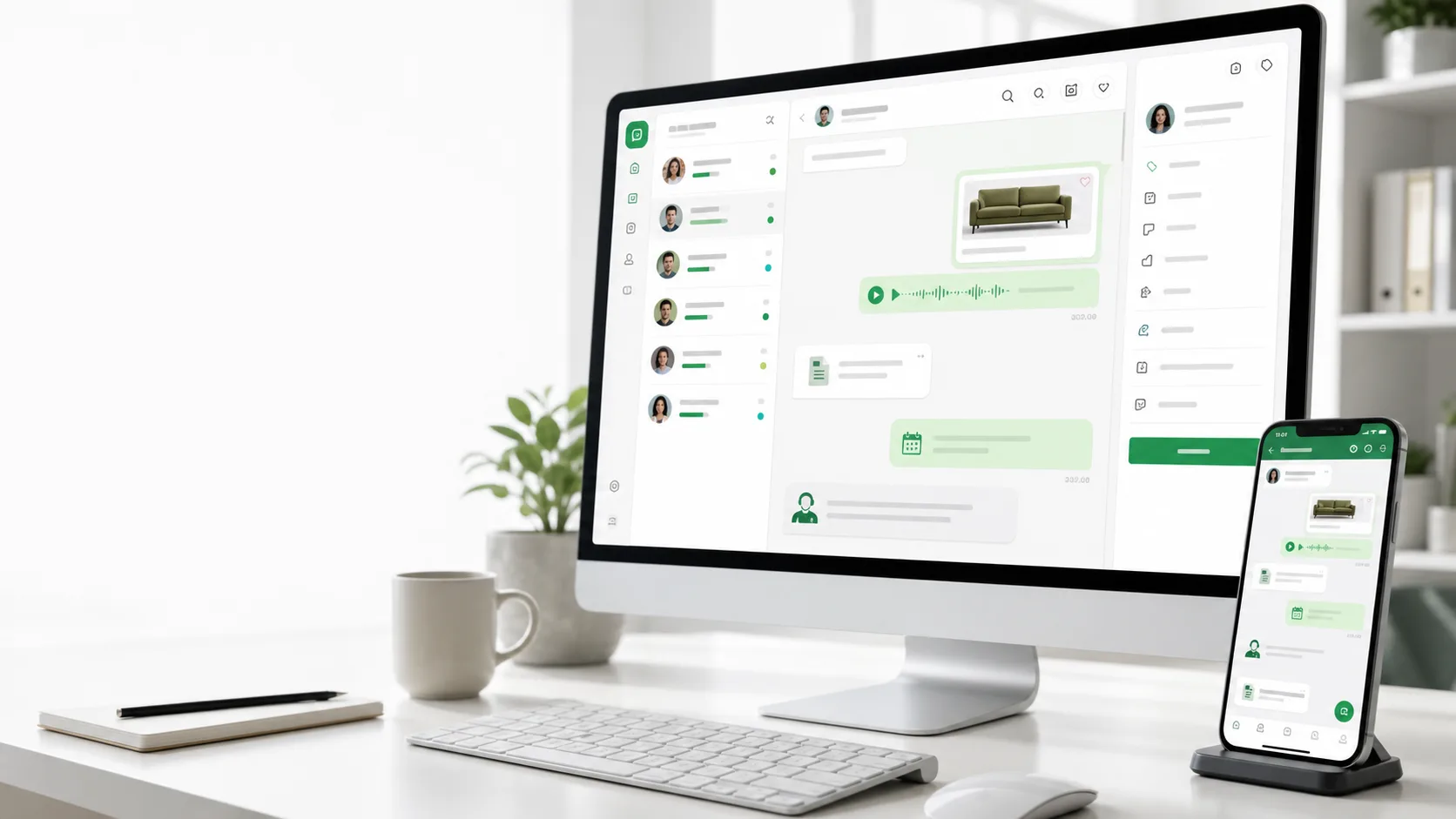
TEAM AND LIVE SUPPORT
Route conversations that require authority, judgement or a business-specific human decision to the right teammate.
DIRECT ANSWER
Uncertainty alone is not a handoff condition. Verified sources and necessary short questions are used first; when a real condition occurs, the team is notified and overlapping replies are prevented.
WORKFLOW
Add the business account to Avosist with the required Meta connection and permissions.
Build a verified answer source from the knowledge base, website and permitted integrations.
Monitor replies, pause automation when needed or hand the conversation to your team.
REAL SCENARIOS
Routes a request that requires authority or special review.
Alerts the team when there is real risk or strong dissatisfaction.
Transfers an exceptional order issue that the integration cannot resolve.
FREQUENTLY ASKED
No. Available sources are used first and handoff occurs only for a genuine condition.
Enabled settings can use dashboard, mobile, browser or email notifications.
Controlled handoff can pause automated replies and prevent conflicts.
The team can see the existing conversation history in the same workspace.
OFFICIAL PRODUCT SOURCE
This page describes current Avosist capabilities. Availability can depend on the connected account, platform permissions, enabled integrations and licence.
Content reviewed:
EXPLORE THE CLUSTER
AVOSIST
Build the knowledge base, connect permitted tools and review the final prompt before launch.
This website uses cookies to improve your experience and ensure our services work properly. By continuing, you accept our Cookie Policy .